Process Status Overview#
Combined Process Area and Work Product Status Overview#
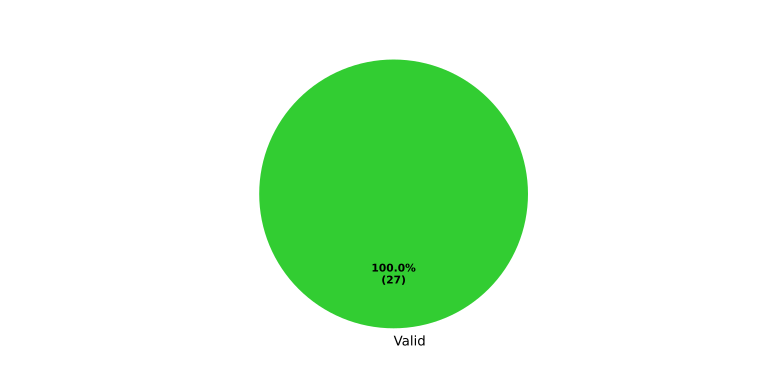
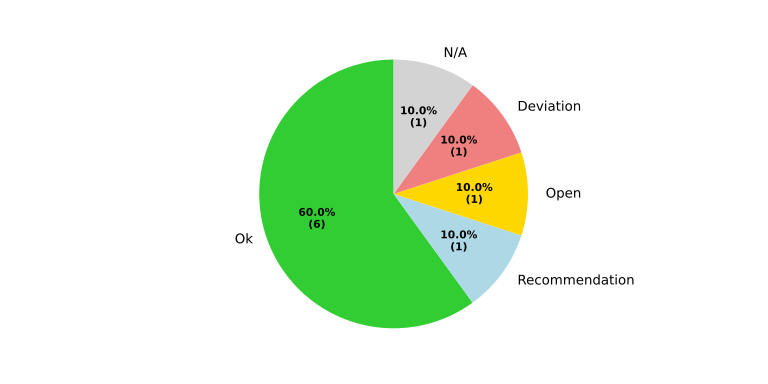
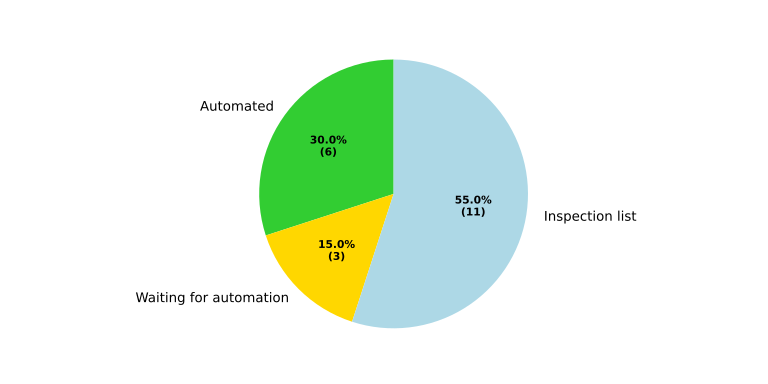
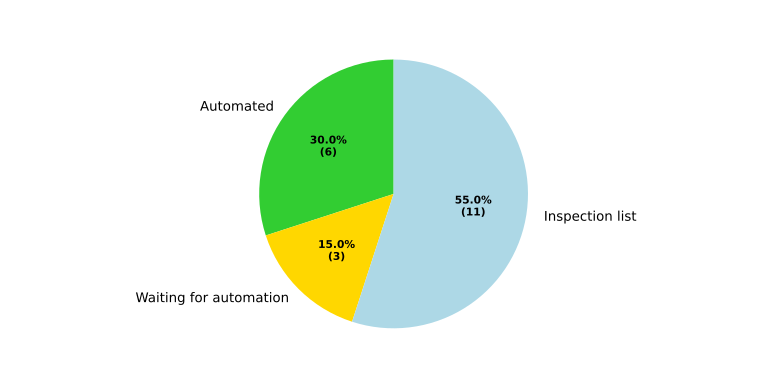
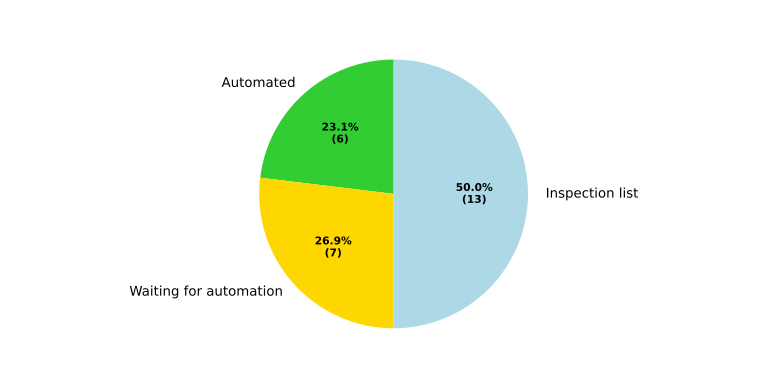
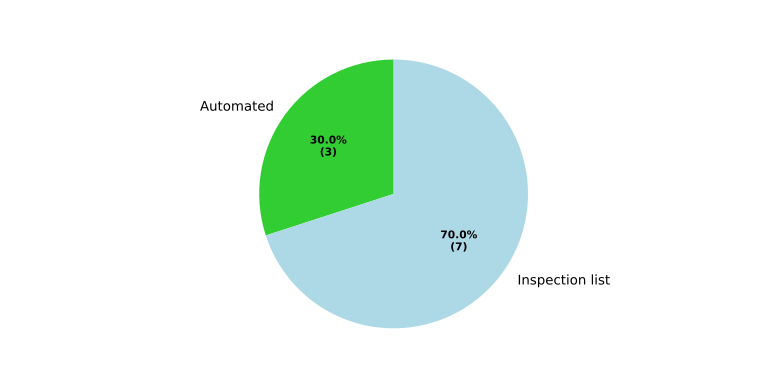
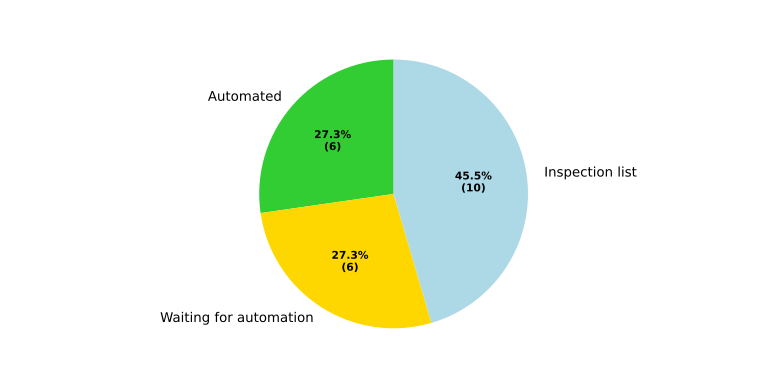
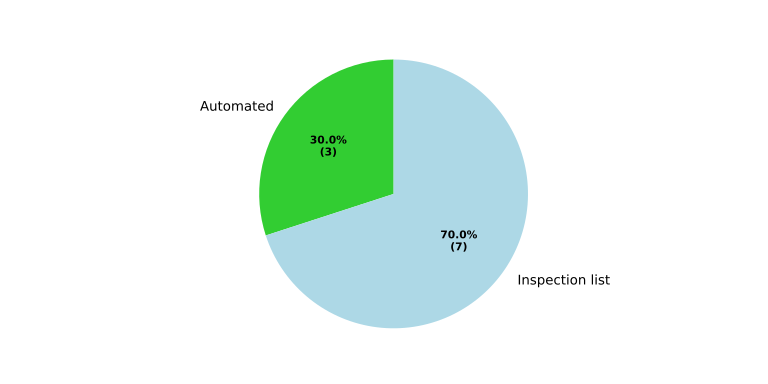
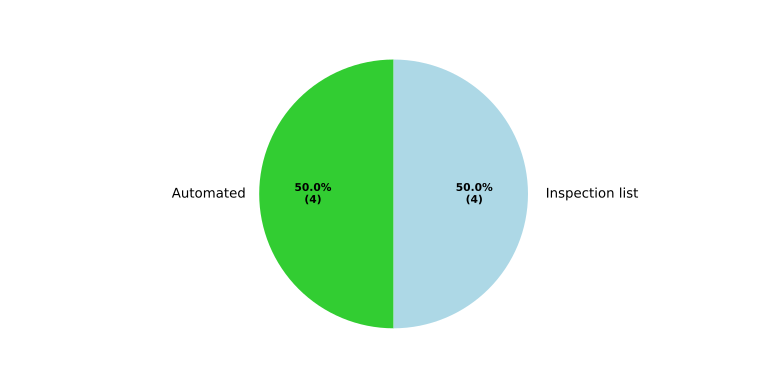
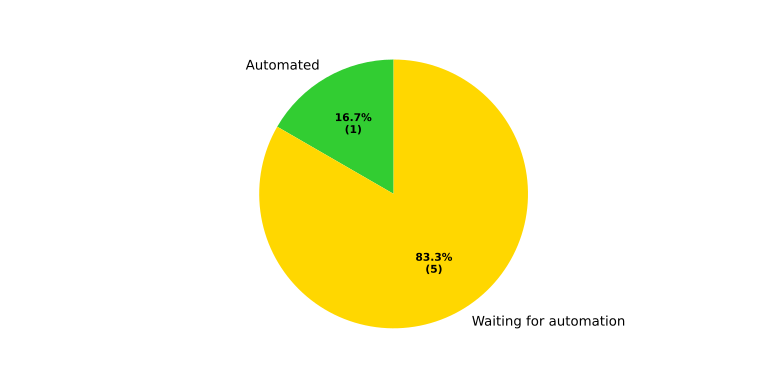
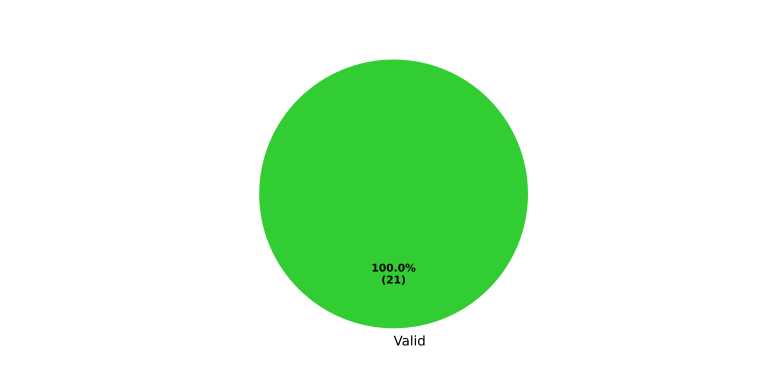
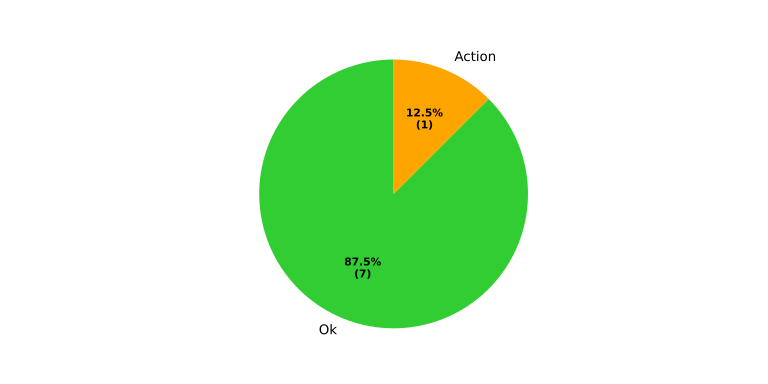
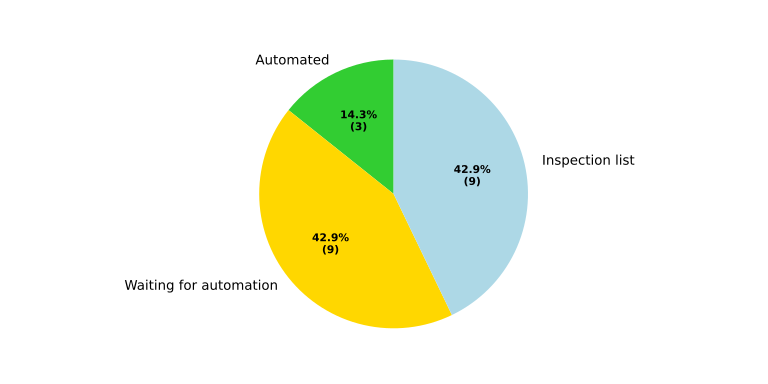
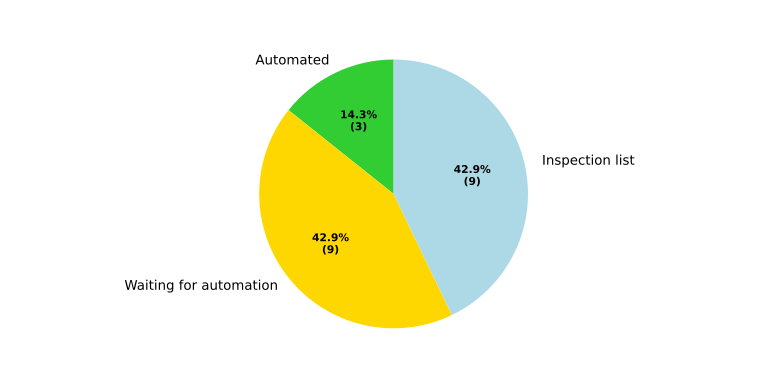
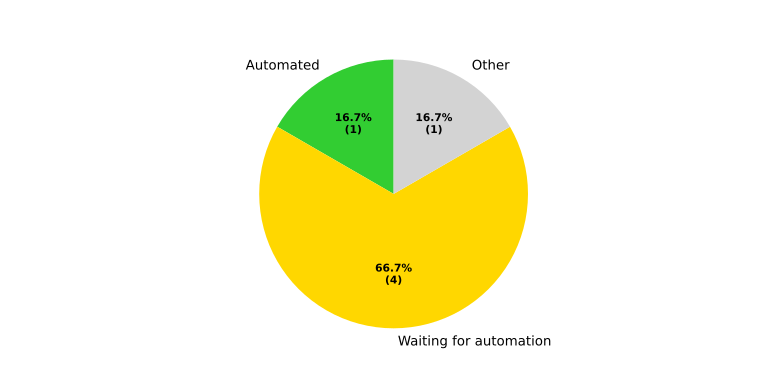
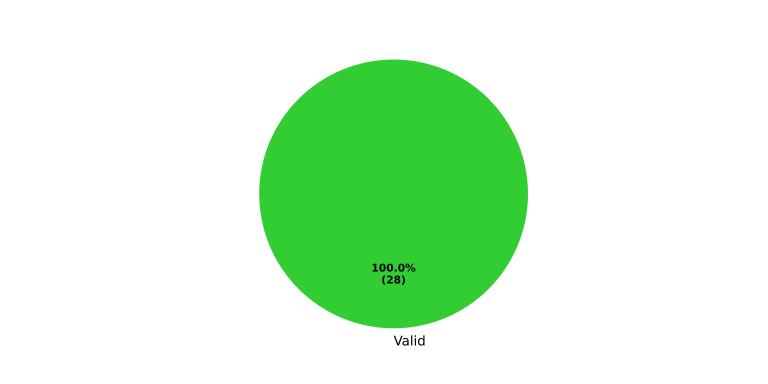
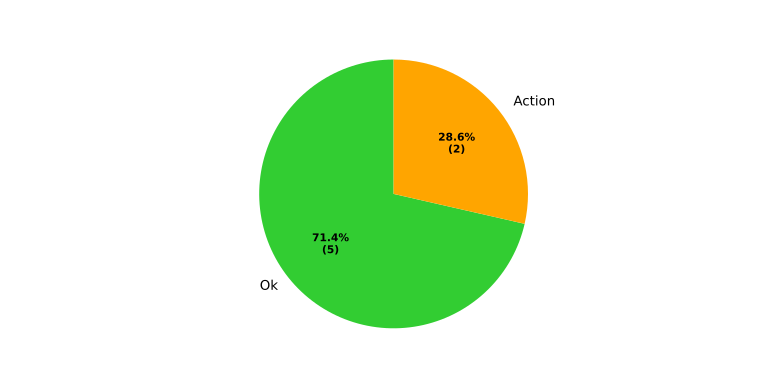
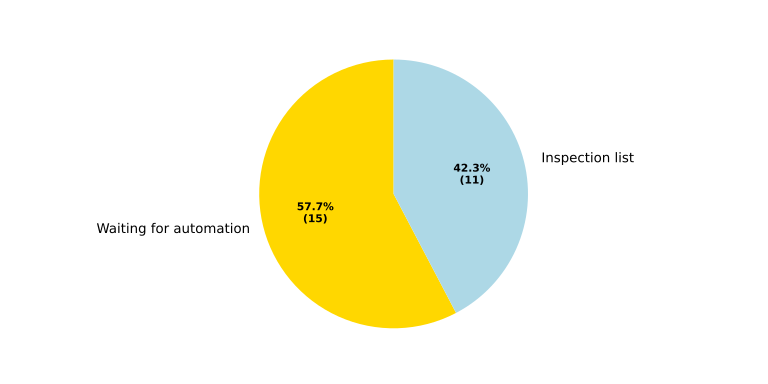
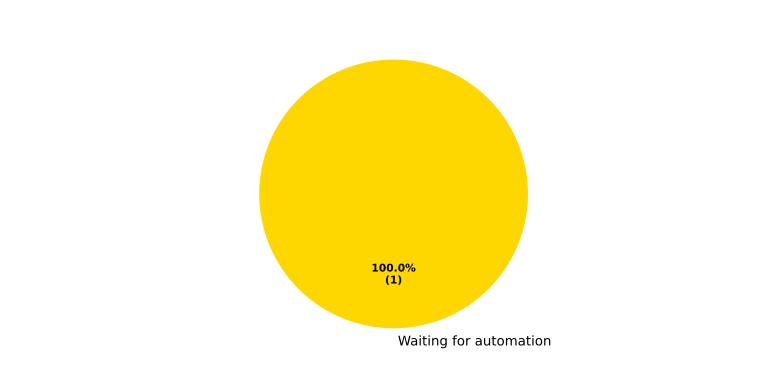
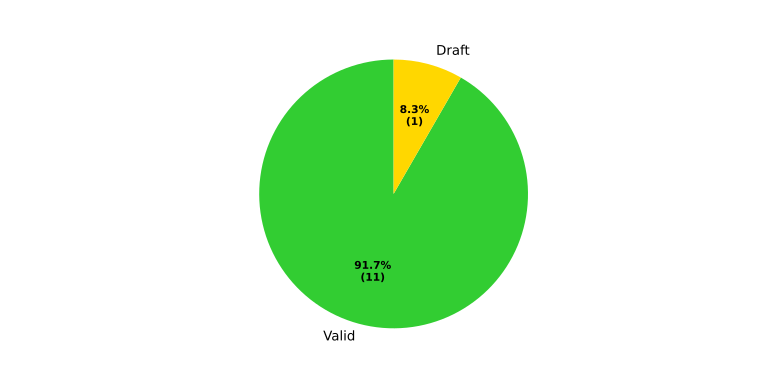
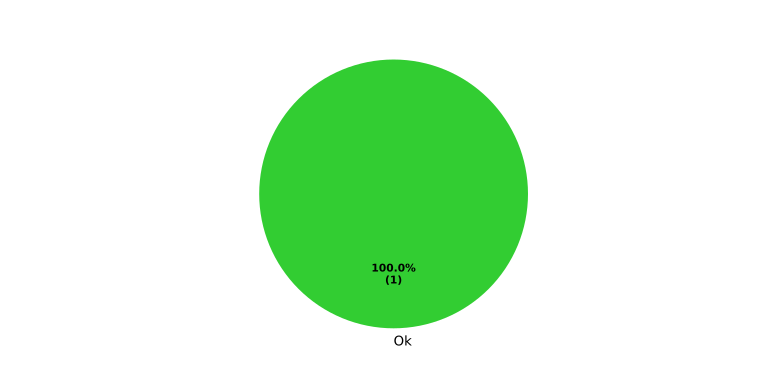
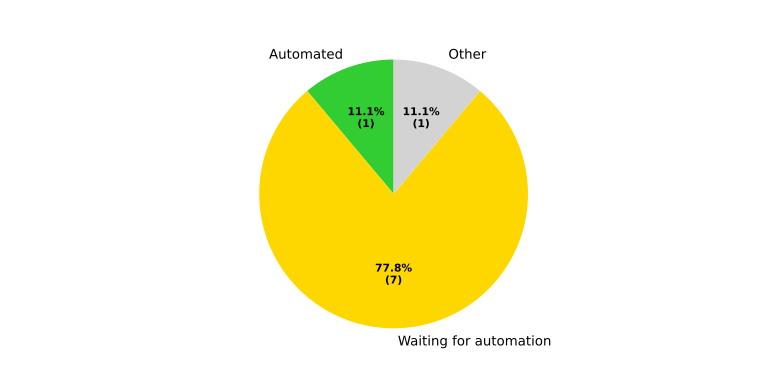
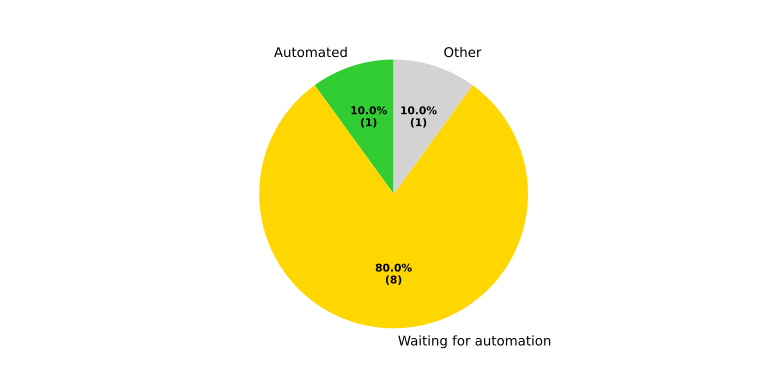
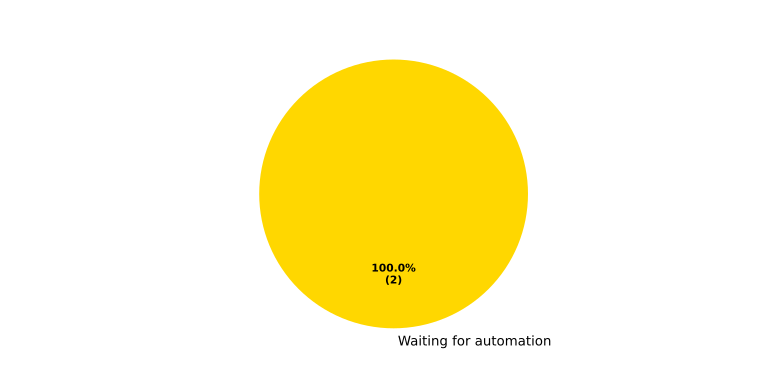
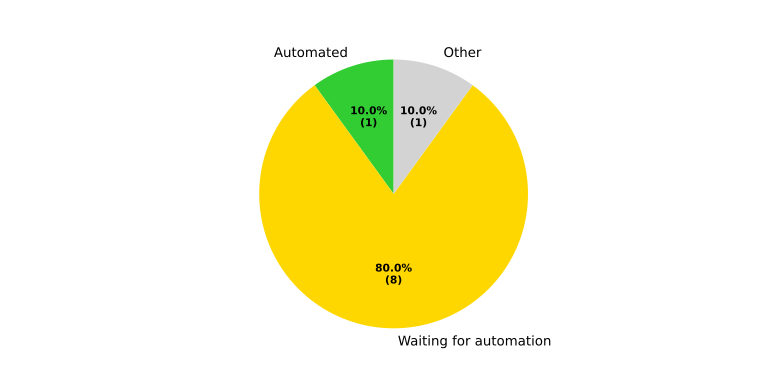
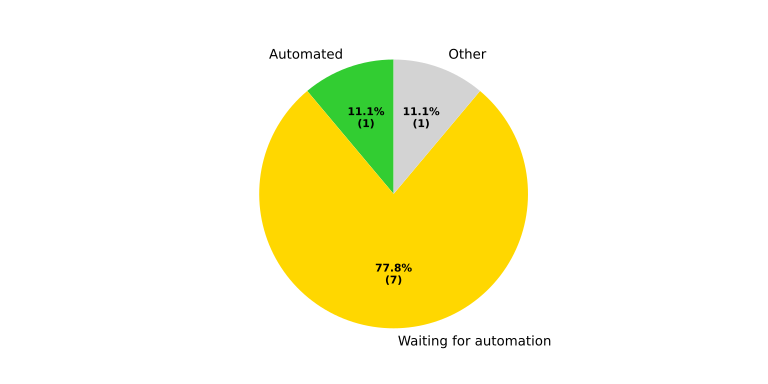
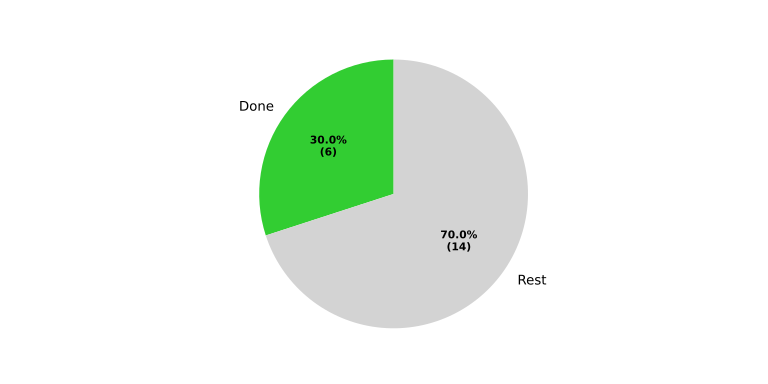
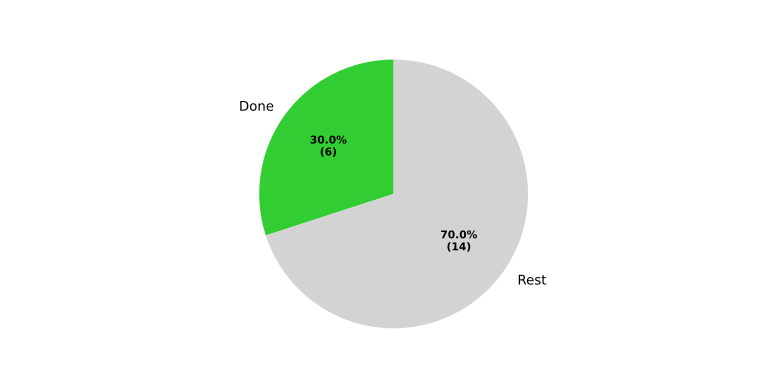
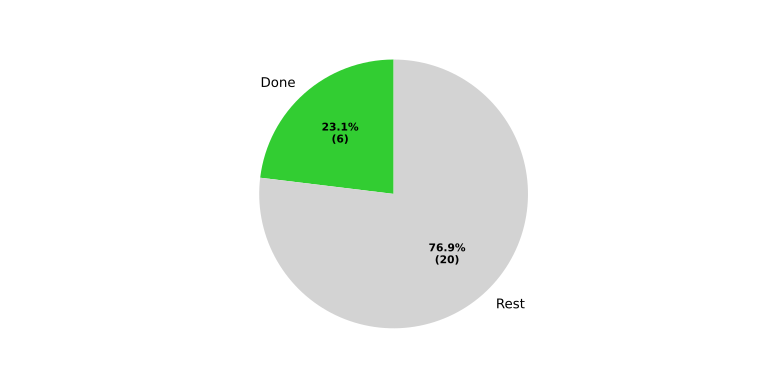
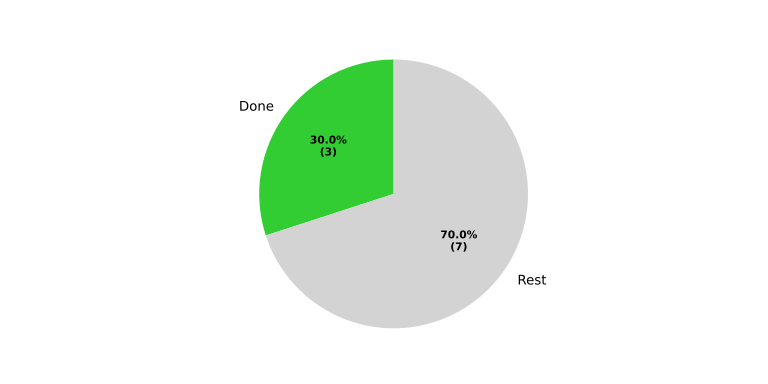
The table below combines process requirement status, ISO 26262 std_req compliance status, work product completion status, and tooling in a single overview. For each process area the pie charts appear on the first work product row; subsequent rows carry only the work product and its completion badge.
Process area |
Process req. status |
ISO 26262 std_req status |
Work product |
WP status |
Req. verification status |
Tooling |
Tooling Status |
|---|---|---|---|---|---|---|---|
Requirements Engineering |
|
|
20 / 20 |
|
sphinx-needs |
available |
|
20 / 20 |
|
sphinx-needs |
available |
||||
26 / 26 |
|
sphinx-needs |
available |
||||
10 / 10 |
|
sphinx-needs |
available |
||||
22 / 22 |
|
sphinx-needs |
available |
||||
10 / 10 |
|
sphinx-needs |
available |
||||
8 / 8 |
|
sphinx-needs |
available |
||||
6 / 6 |
|
sphinx-needs |
available |
||||
Architecture Design |
|
|
0 / 0 |
No needs passed the filters |
sphinx-needs, PlantUML |
available |
|
21 / 21 |
|
sphinx-needs, PlantUML |
available |
||||
21 / 21 |
|
sphinx-needs, PlantUML |
available |
||||
5 / 6 |
|
sphinx-needs |
not available |
||||
Implementation |
|
|
0 / 0 |
No needs passed the filters |
sphinx-needs |
not available |
|
26 / 26 |
|
C++/RUST toolchain |
available |
||||
1 / 1 |
|
sphinx-needs |
available |
||||
Verification |
|
|
0 / 0 |
No needs passed the filters |
sphinx-needs |
not available |
|
8 / 9 |
|
ITF |
available |
||||
0 / 0 |
No needs passed the filters |
sphinx-needs |
not available |
||||
9 / 10 |
|
ITF |
available |
||||
2 / 2 |
|
sphinx-needs |
not available |
||||
9 / 10 |
|
ITF |
available |
||||
8 / 9 |
|
gtest |
available |
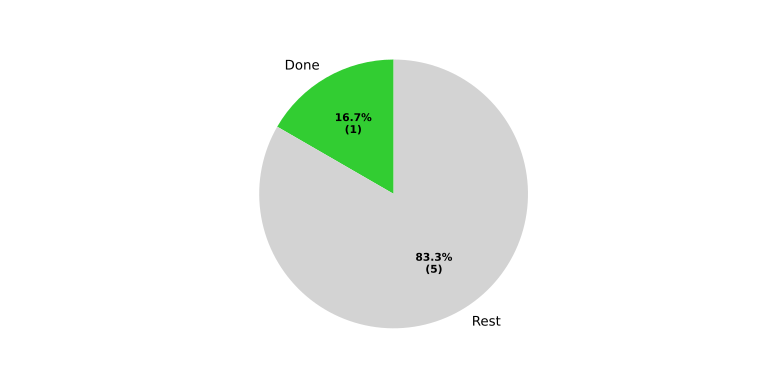
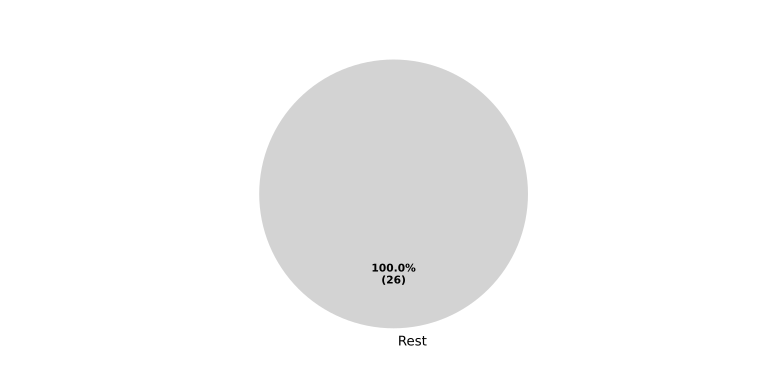
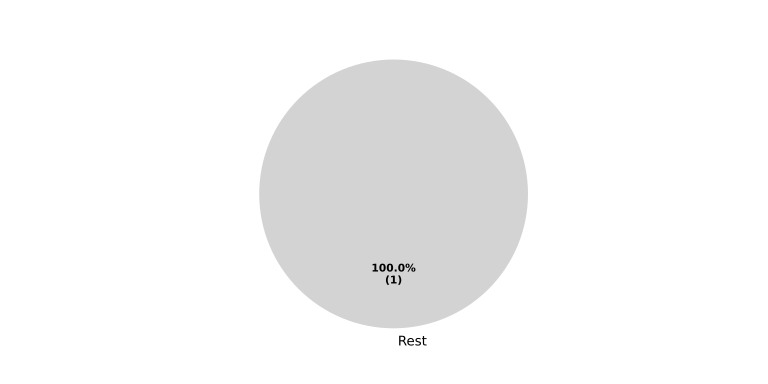
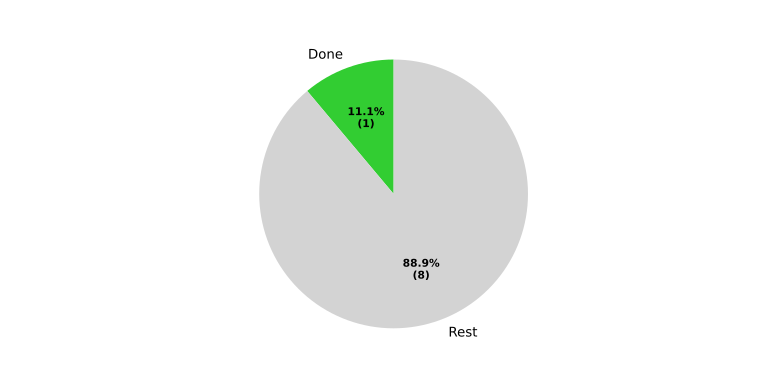
Module Status by Work Product#
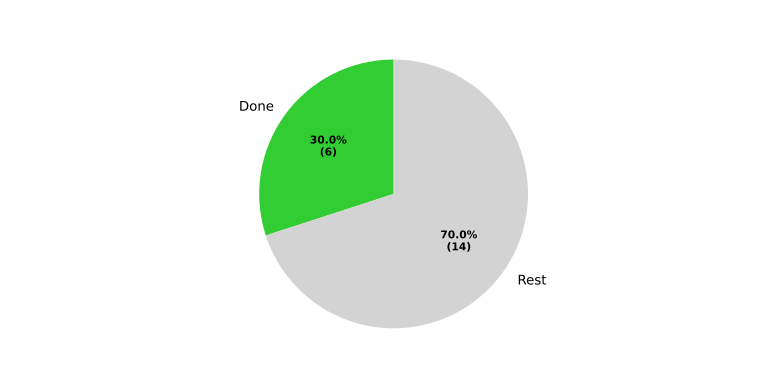
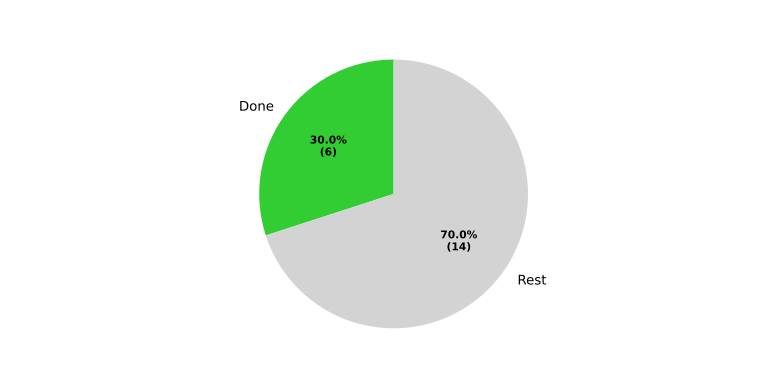
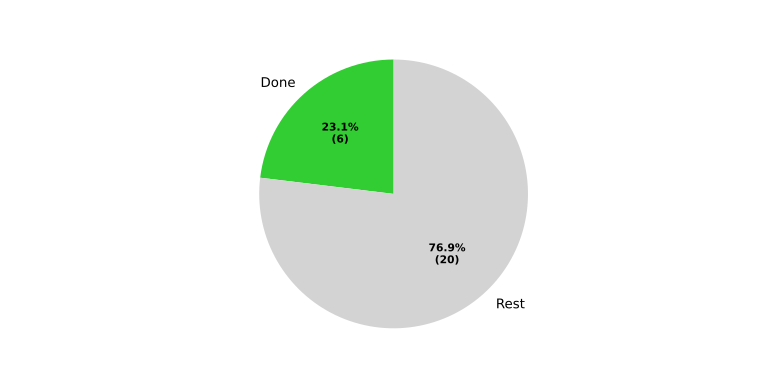
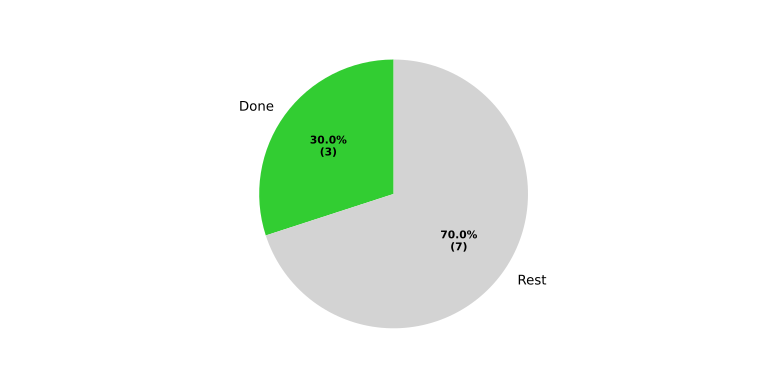
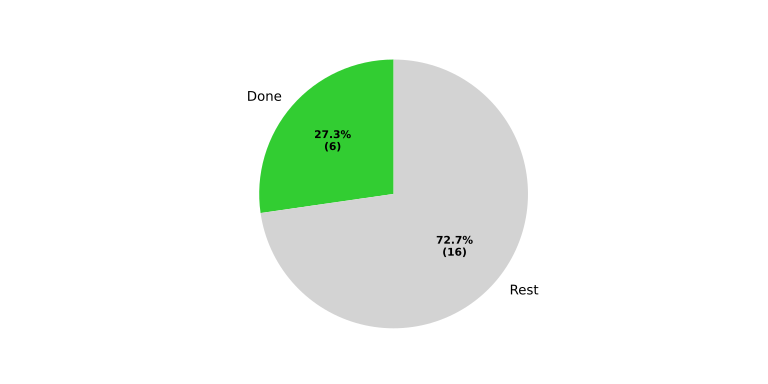
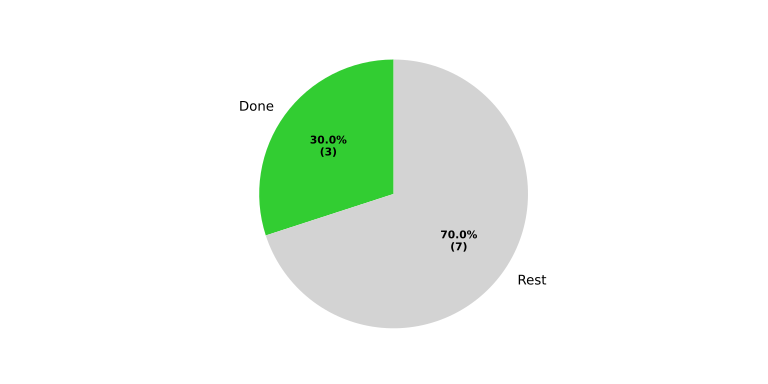
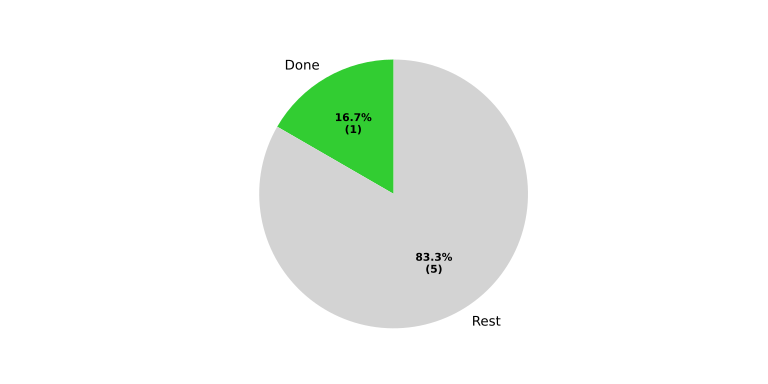
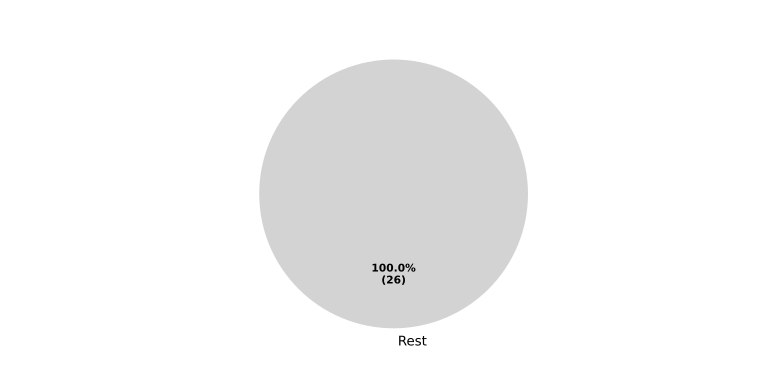
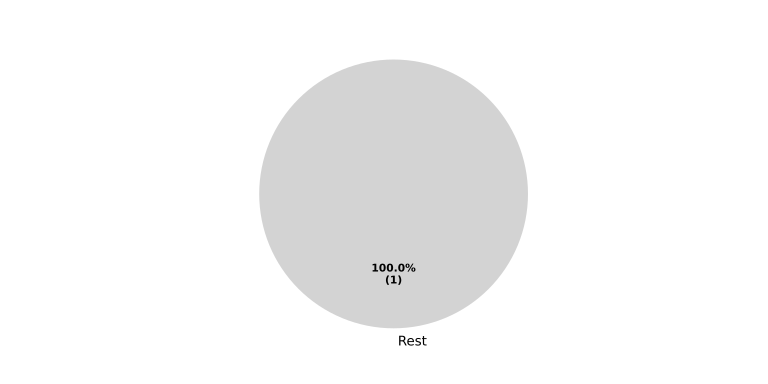
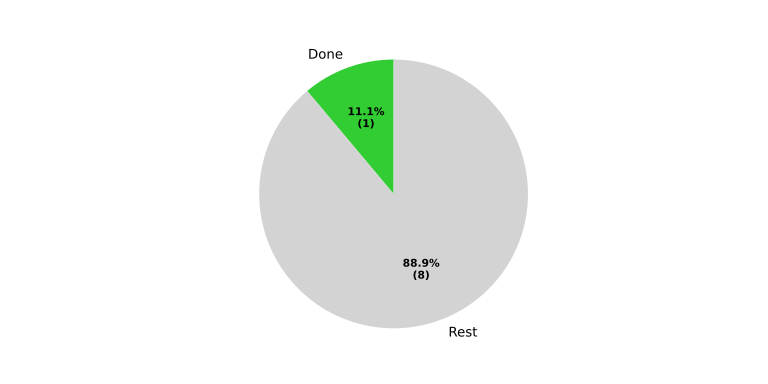
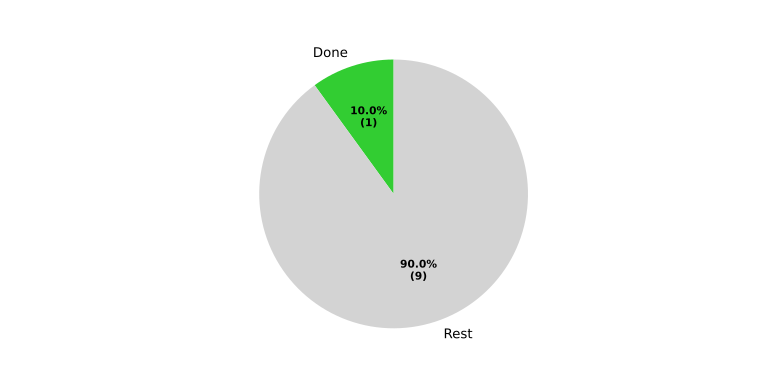
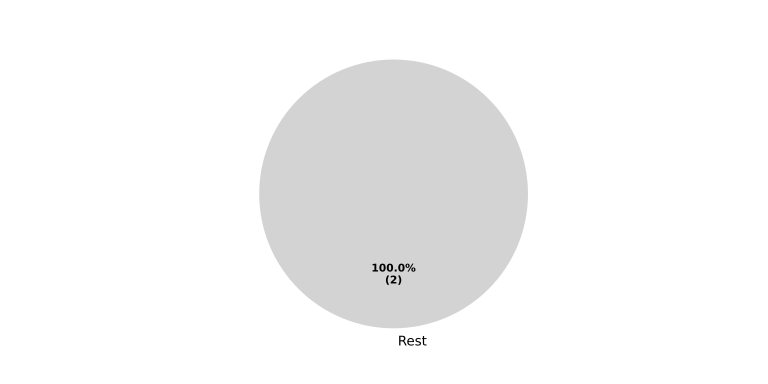
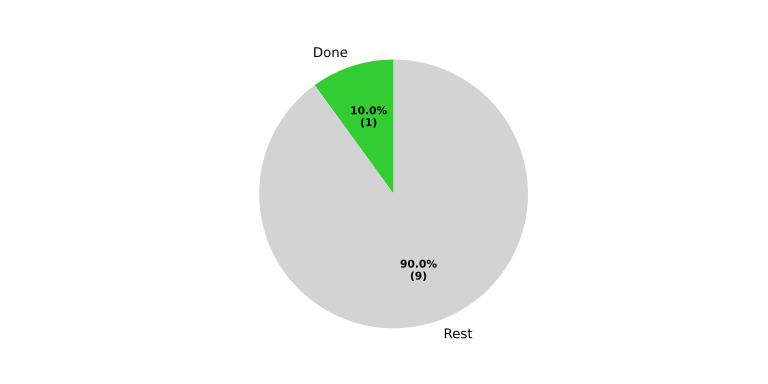
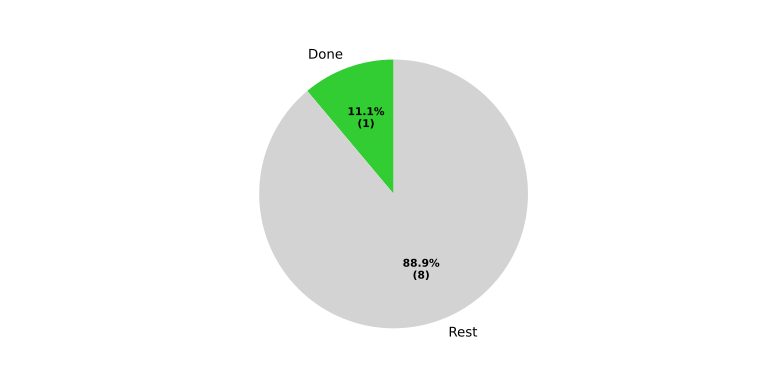
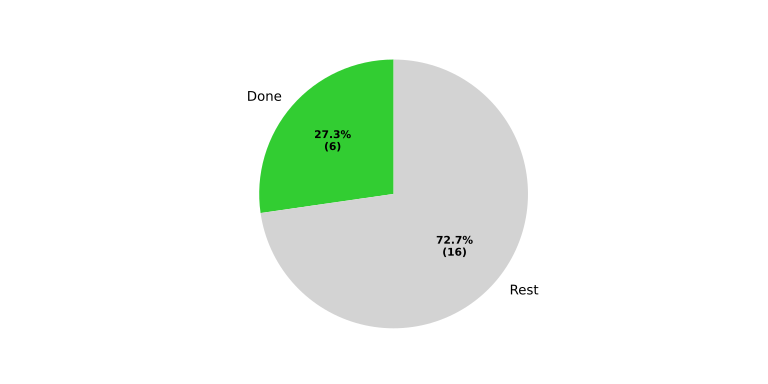
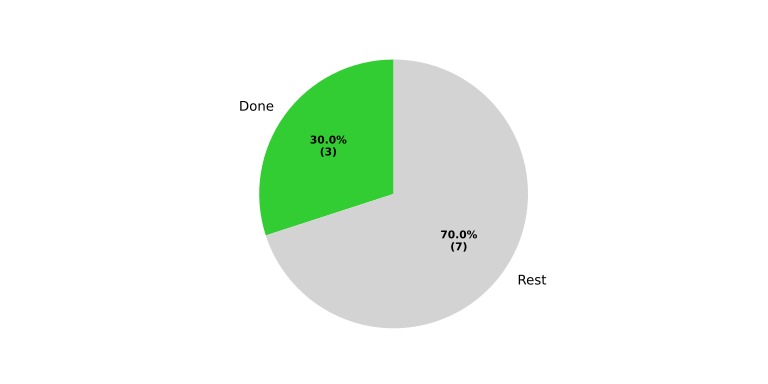
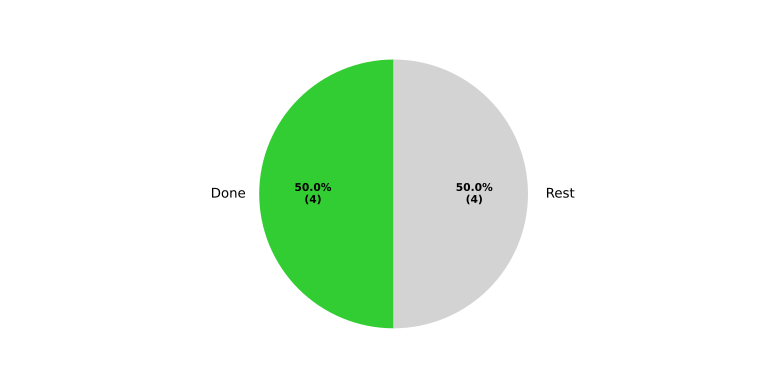
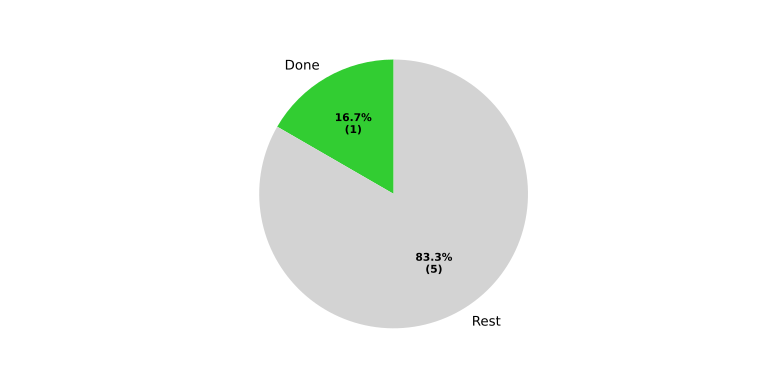
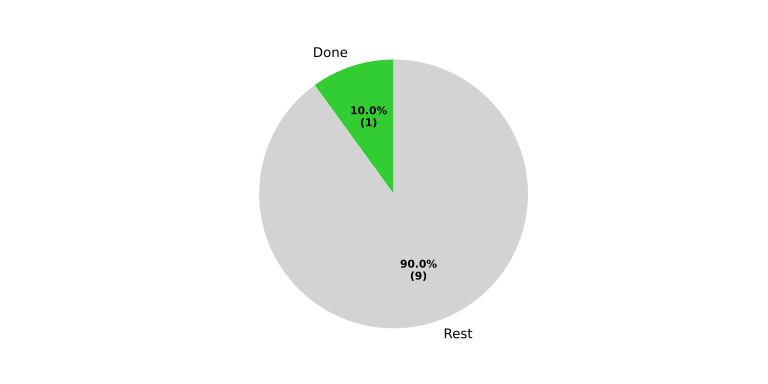
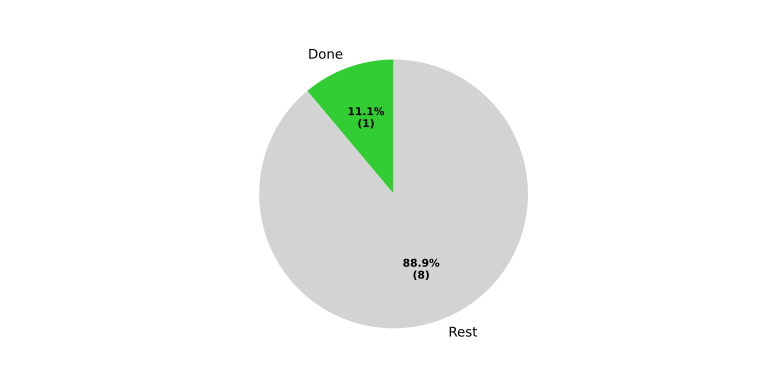
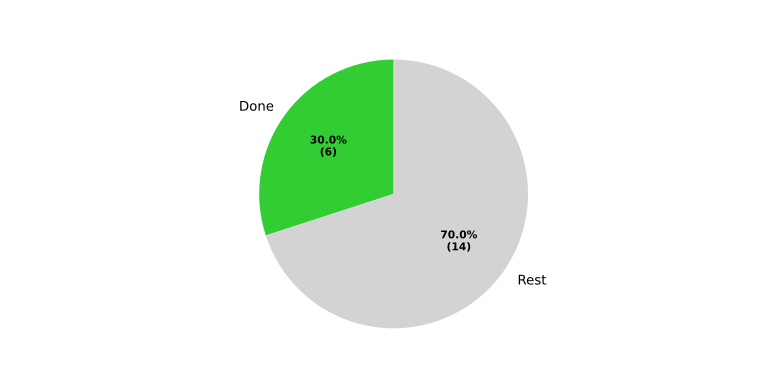
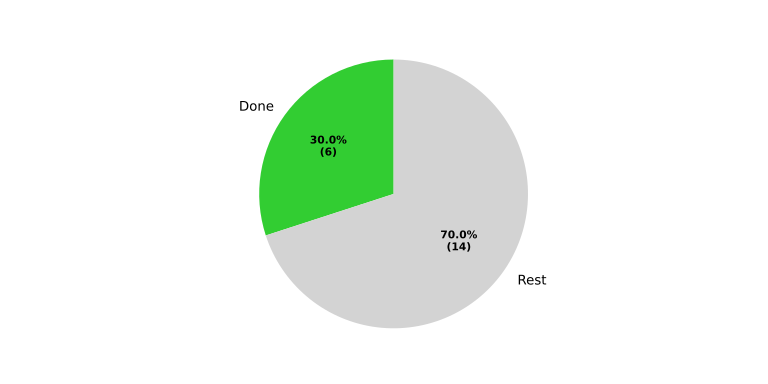
The following tables provide module-specific placeholders for manual status tracking. Rows are grouped by process area and list the related work products.
Baselibs#
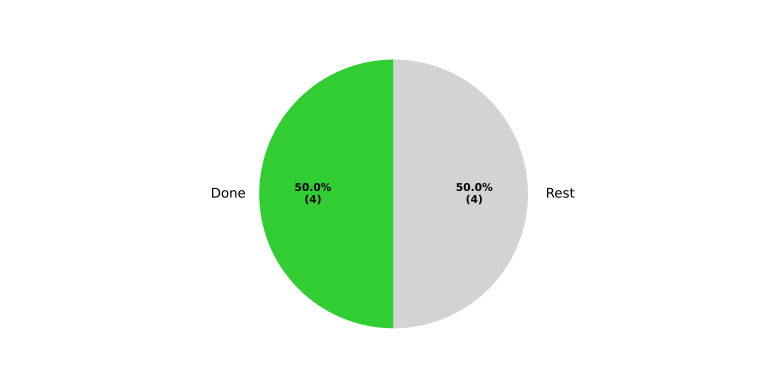
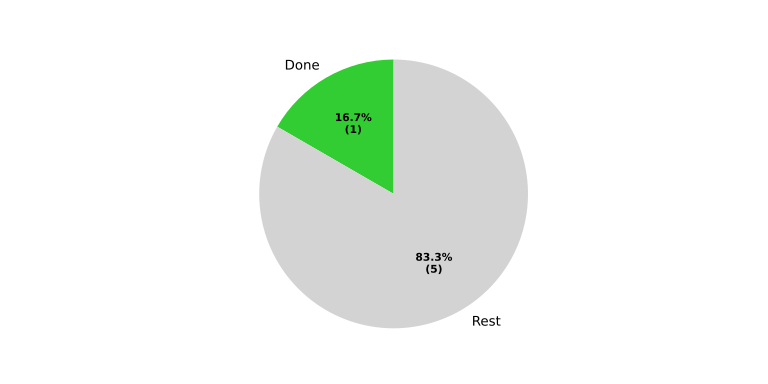
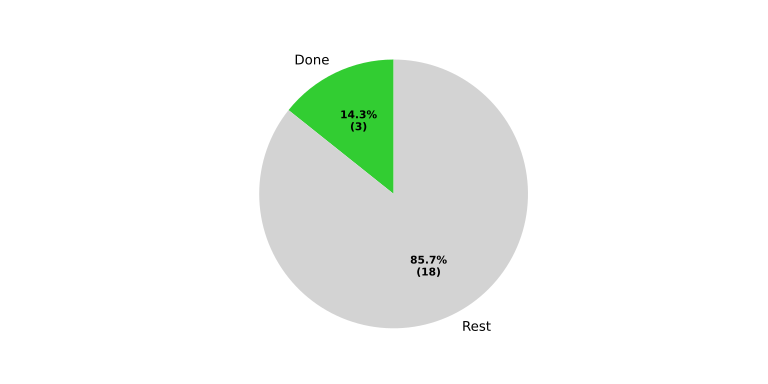
Functional complete |
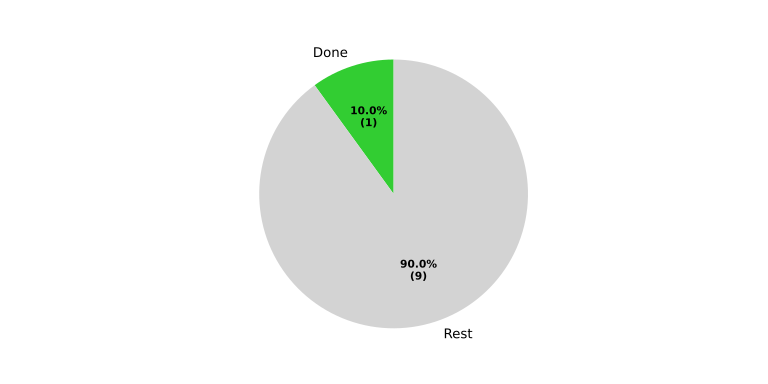
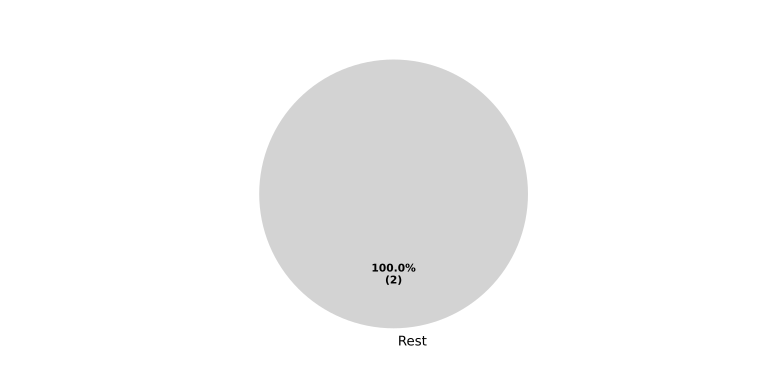
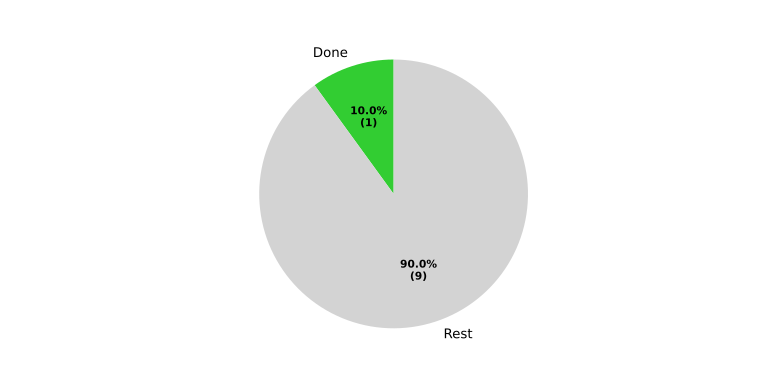
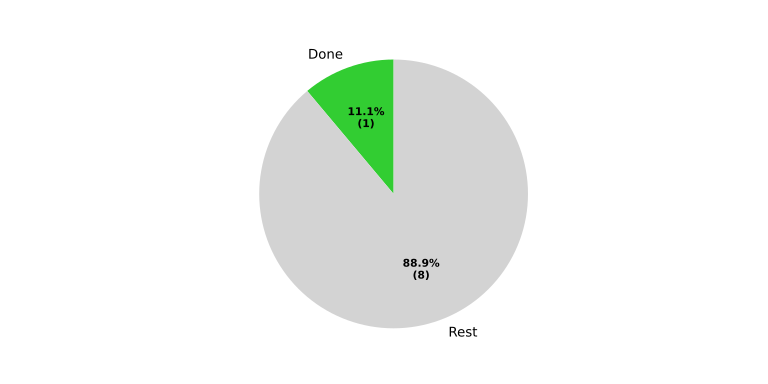
Done automation / rest |
|
|---|---|---|
Requirements Engineering |
||
|
|
|
|
|
|
|
|
|
|
|
|
|
|
|
|
|
|
|
|
|
|
|
|
Architecture Design |
||
|
No needs passed the filters |
|
|
|
|
|
|
|
|
|
|
Implementation |
||
|
No needs passed the filters |
|
|
|
|
|
|
|
Verification |
||
|
No needs passed the filters |
|
|
|
|
|
No needs passed the filters |
|
|
|
|
|
|
|
|
|
|
|
|


Communication#
Functional complete |
Done automation / rest |
|
|---|---|---|
Requirements Engineering |
||
|
|
|
|
|
|
|
|
|
|
|
|
|
|
|
|
|
|
|
|
|
|
|
|
Architecture Design |
||
|
No needs passed the filters |
|
|
|
|
|
|
|
|
|
|
Implementation |
||
|
No needs passed the filters |
|
|
|
|
|
|
|
Verification |
||
|
No needs passed the filters |
|
|
|
|
|
No needs passed the filters |
|
|
|
|
|
|
|
|
|
|
|
|
Logging#
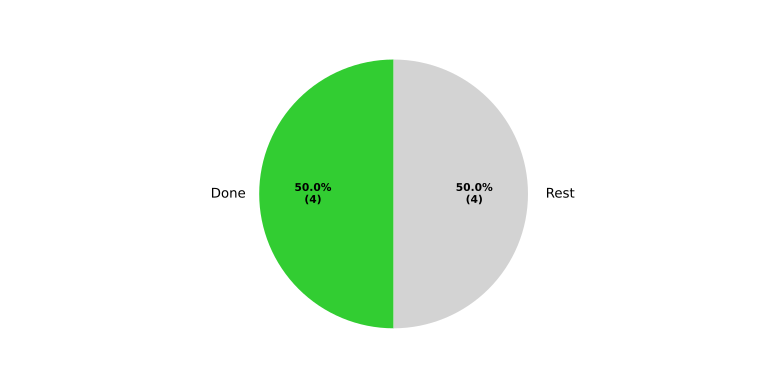
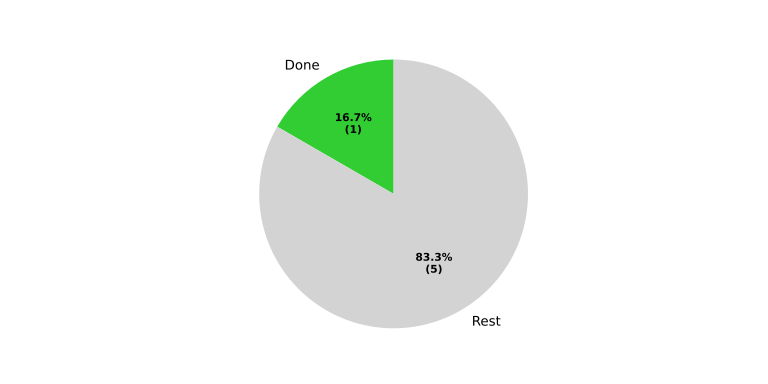
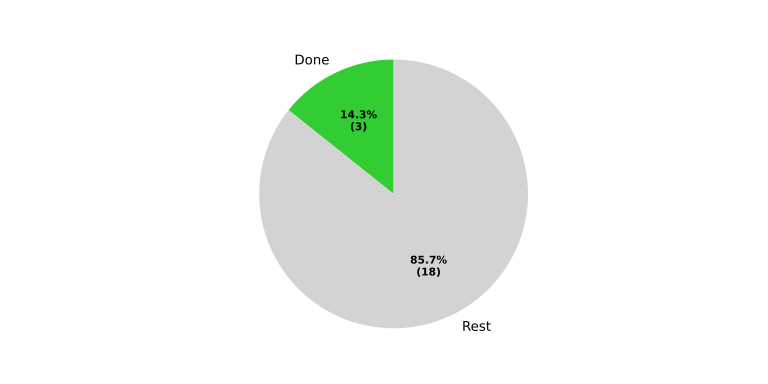
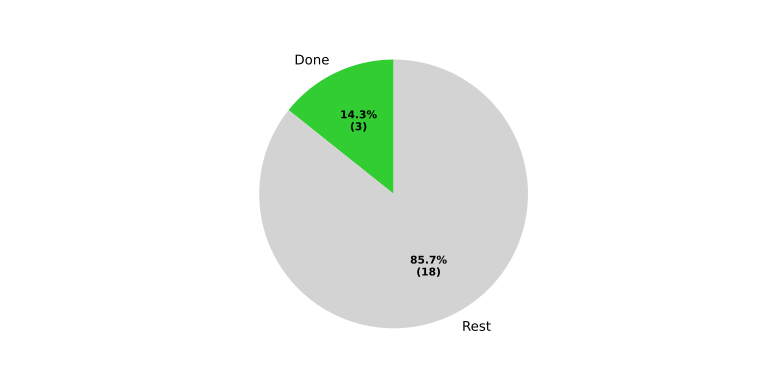
Functional complete |
Done automation / rest |
|
|---|---|---|
Requirements Engineering |
||
|
|
|
|
|
|
|
|
|
|
|
|
|
|
|
|
|
|
|
|
|
|
|
|
Architecture Design |
||
|
No needs passed the filters |
|
|
|
|
|
|
|
|
|
|
Implementation |
||
|
No needs passed the filters |
|
|
|
|
|
|
|
Verification |
||
|
No needs passed the filters |
|
|
|
|
|
No needs passed the filters |
|
|
|
|
|
|
|
|
|
|
|
|

