Process Requirement Status by Process Area#
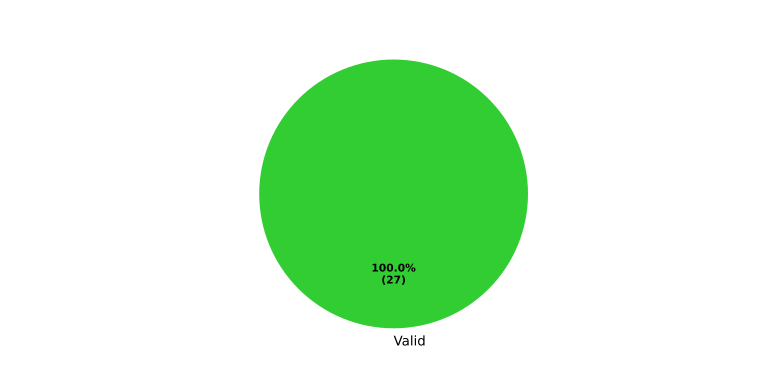
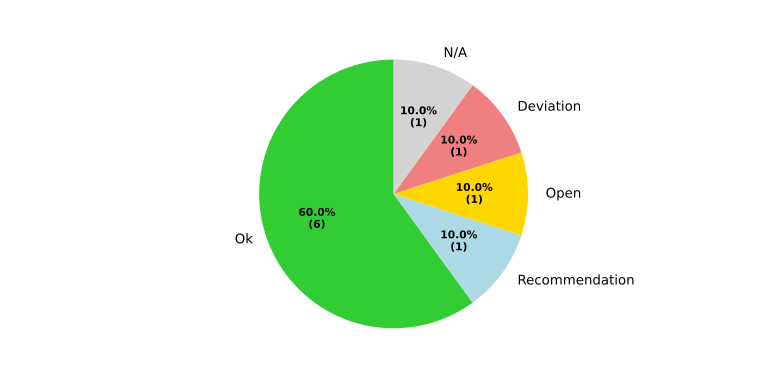
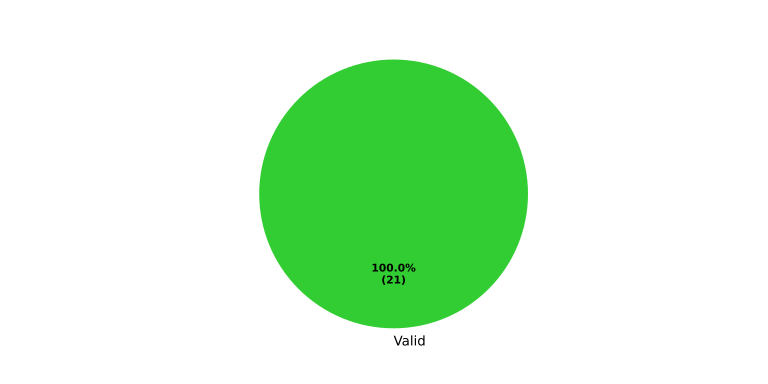
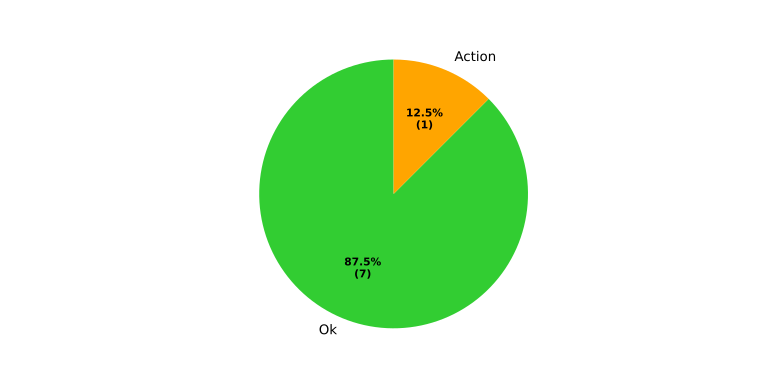
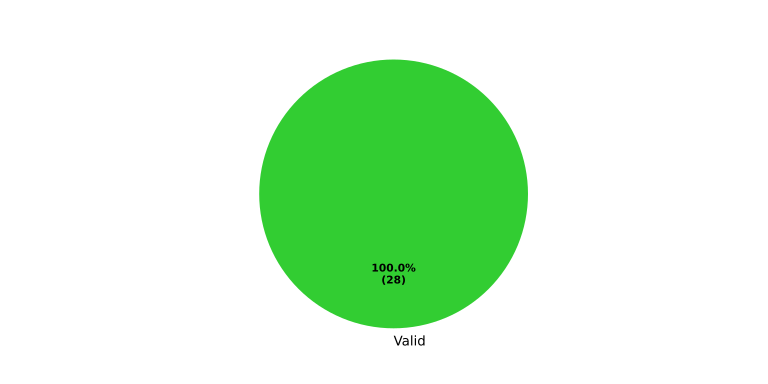
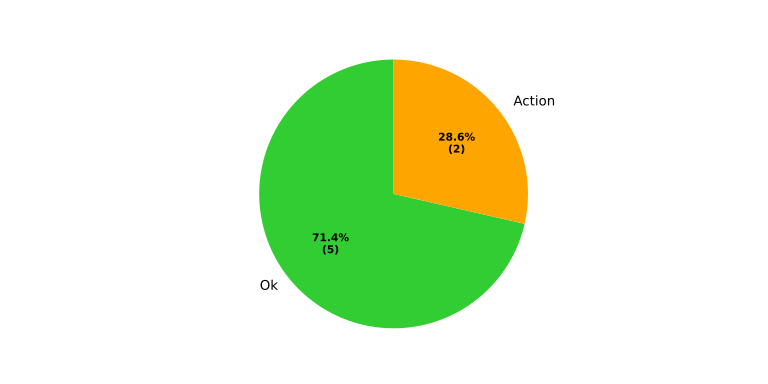
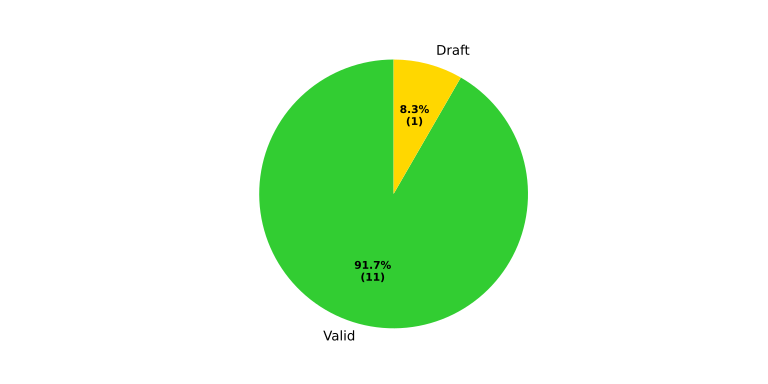
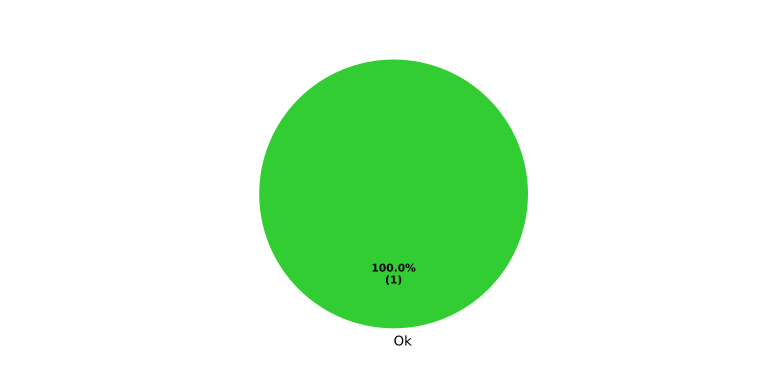
The table below summarizes all internal gd_req needs found in each process area.
The charts are calculated dynamically during the Sphinx build via sphinx-needs
filters.
Color mapping:
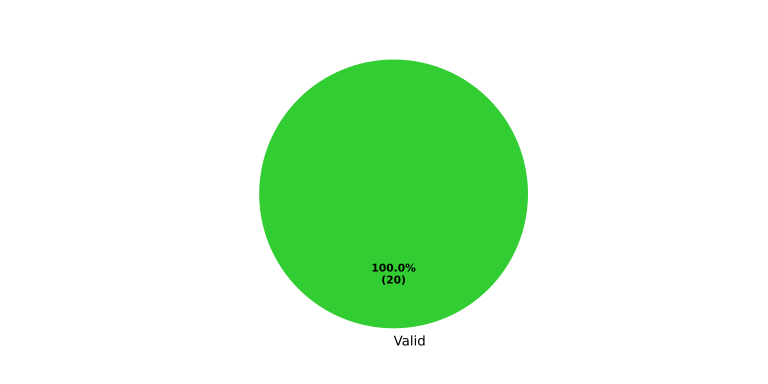
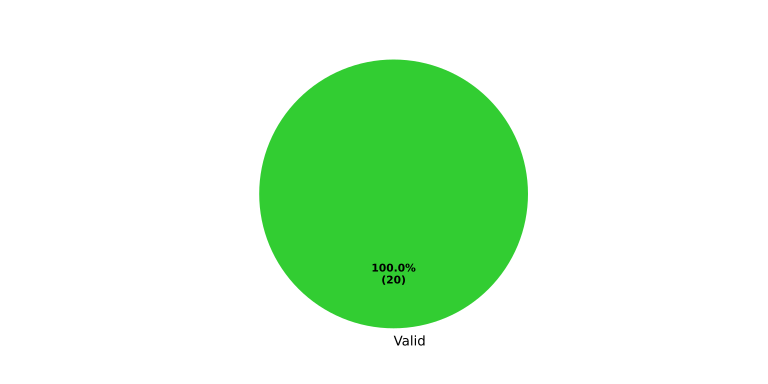
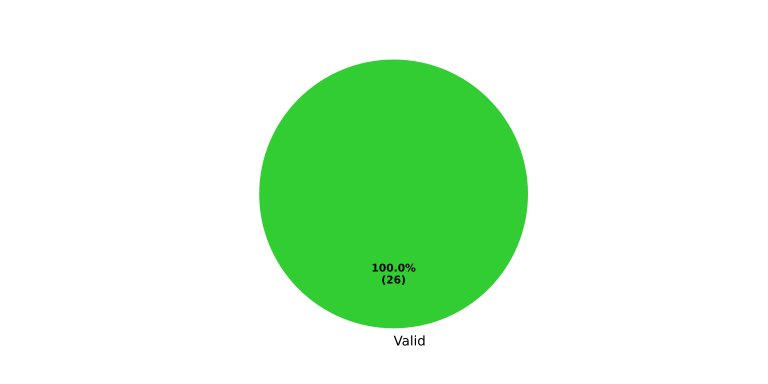
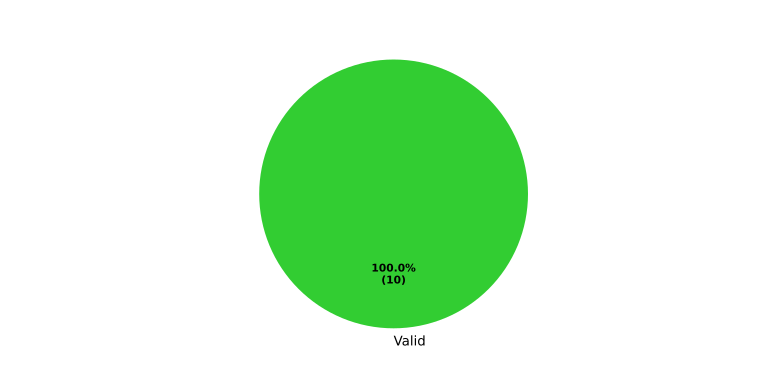
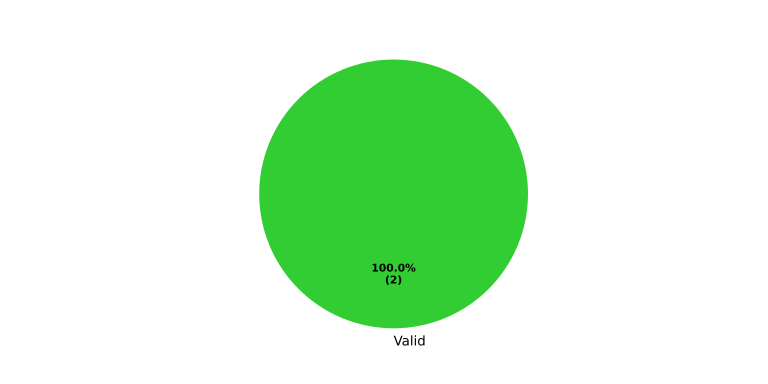
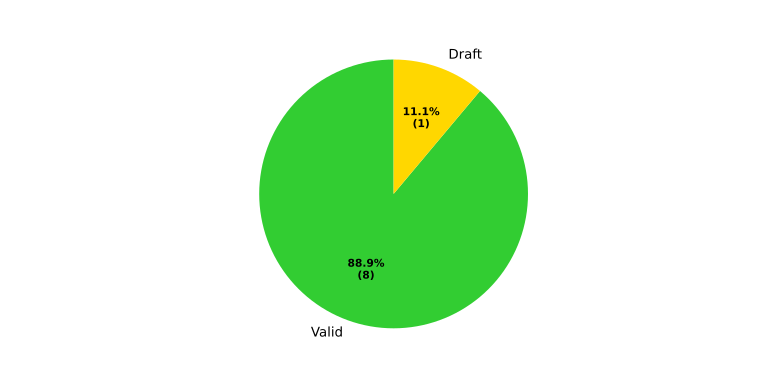
Green: valid
Gold: draft
Red: invalid
Gray: other
Process area |
Process req. status |
Referenced std_req status |
|---|---|---|
Requirements Engineering |
|
|
Architecture Design |
|
|
Implementation |
|
|
Verification |
|
|
Referenced std_req Needs in “Other” Category#
The following std_req needs are referenced via complies from process
requirements but carry none of the recognized tags (ok, recommendation,
open, action, deviation, n/a).
The actual tags of each need are shown in brackets.
Work Products by Process Area#
The table below lists the official work products defined per process area.
Process area |
Work products |
|---|---|
Requirements Engineering |
|
Architecture Design |
|
Implementation |
|
Verification |
Relevant Requirements by Work Product#
The table below derives relevant process requirements for each work product.
The derivation is based on the relation process requirement satisfies
workflow and workflow output work product.
Process area |
Work product |
Relevant requirements |
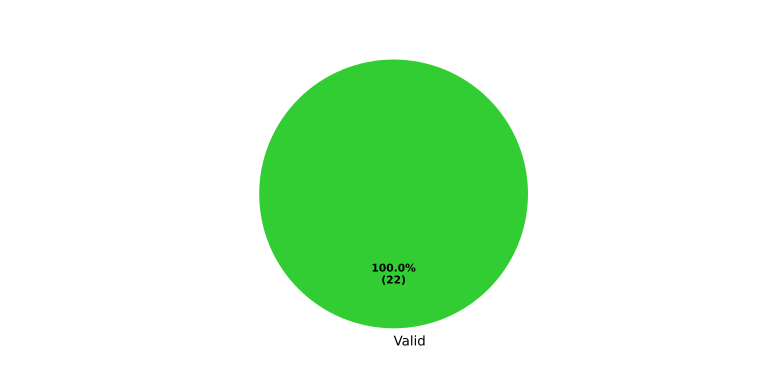
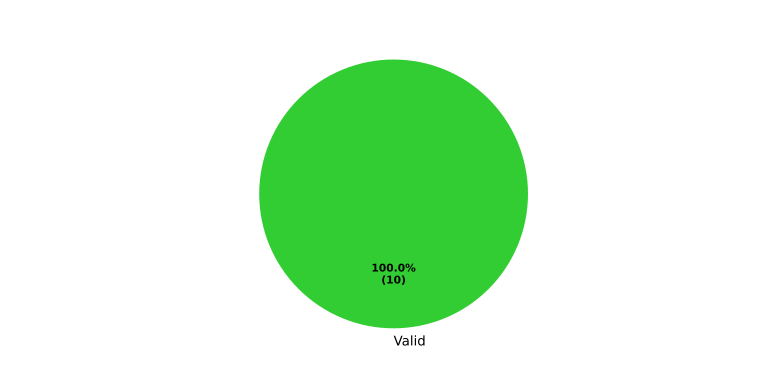
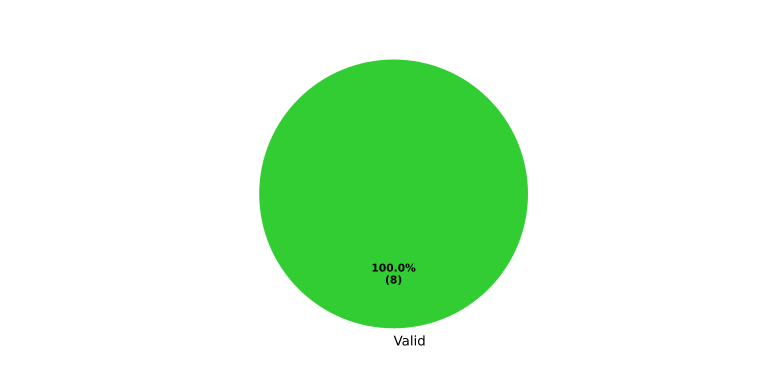
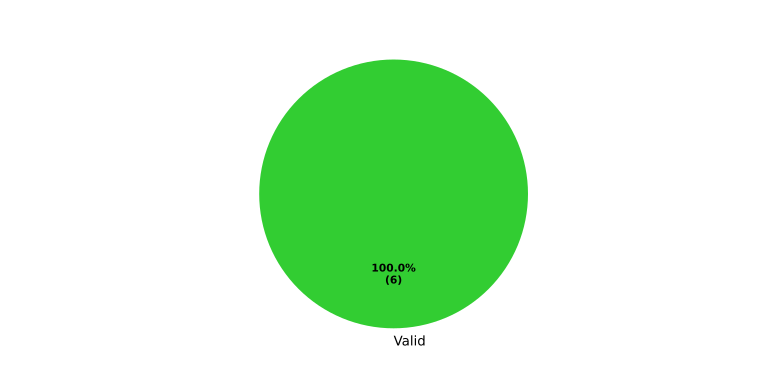
Status distribution |
|---|---|---|---|
Requirements Engineering |
|
||
|
|||
|
|||
|
|||
|
|||
|
|||
|
|||
|
|||
Architecture Design |
No needs passed the filters |
No needs passed the filters |
|
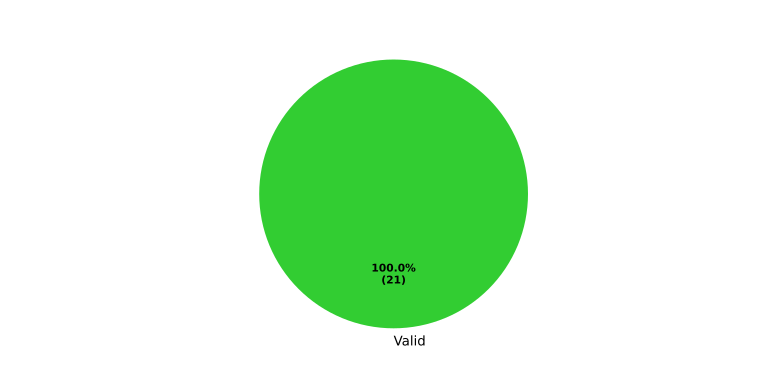
|
|||
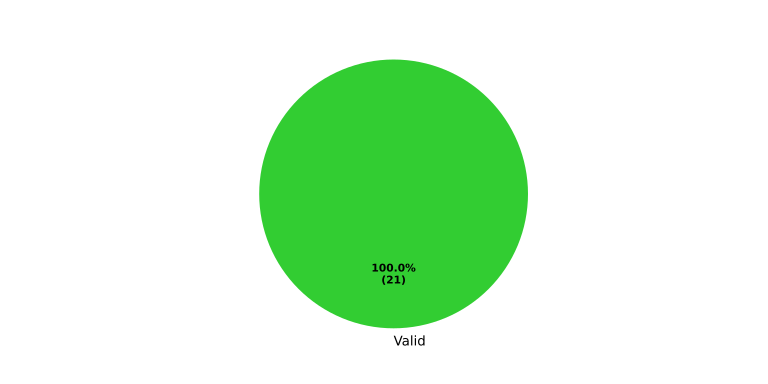
|
|||
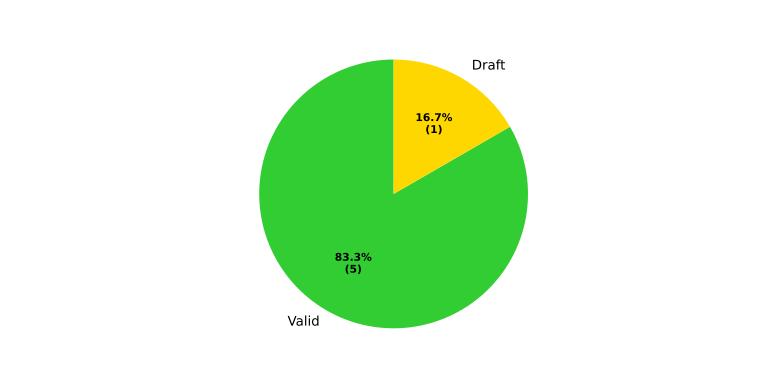
|
|||
Implementation |
No needs passed the filters |
No needs passed the filters |
|
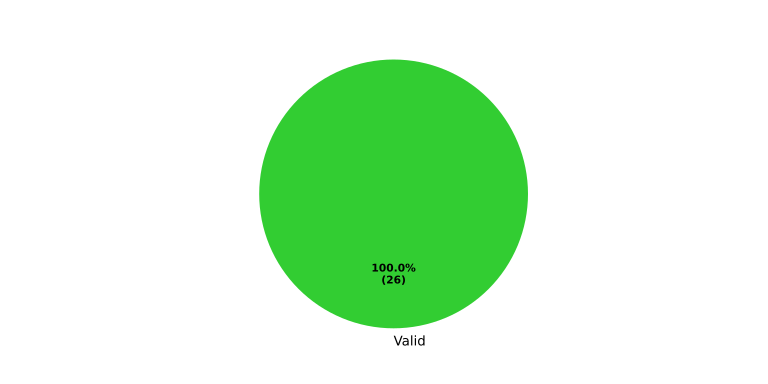
|
|||
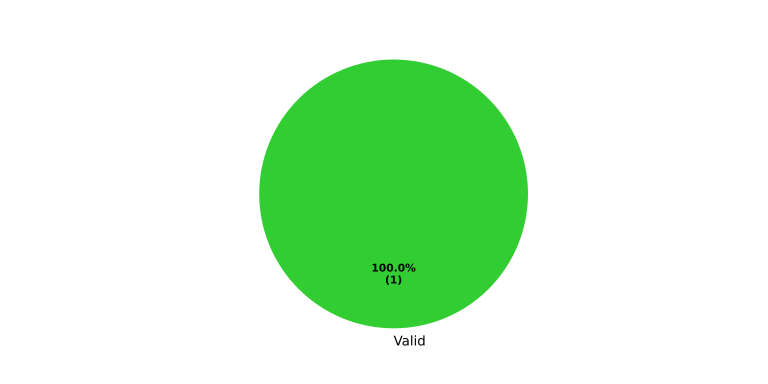
|
|||
Verification |
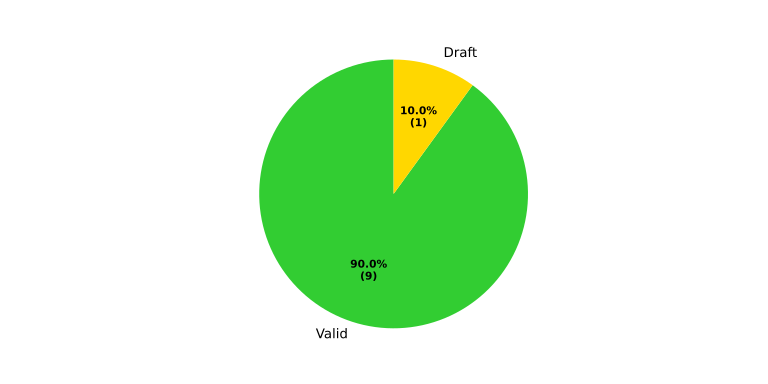
|
||
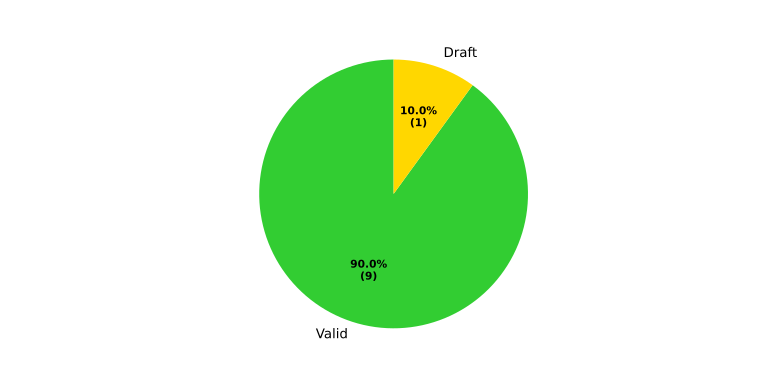
|
|||
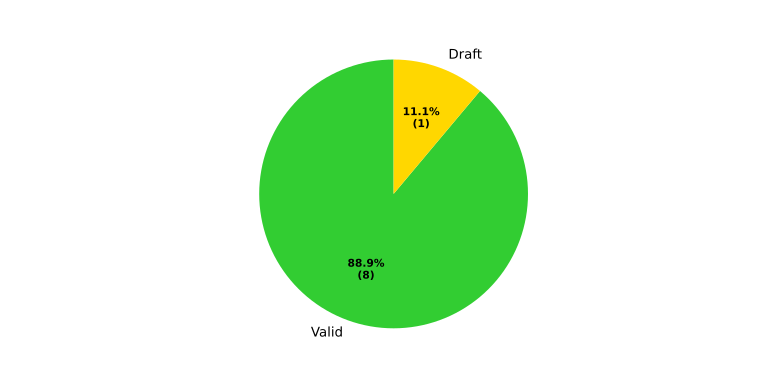
|
|||
No needs passed the filters |
No needs passed the filters |
||
|
|||
No needs passed the filters |
No needs passed the filters |
||
|
Work Product Requirement Completion Status#
The table below shows for each work product the completion status of its relevant process requirements. Valid (green) means all requirements are valid; Draft (yellow) means at least one requirement is not yet valid. The number shows valid / total requirements.
Process area |
Work product |
Status |
|---|---|---|
Requirements Engineering |
20 / 20 |
|
20 / 20 |
||
26 / 26 |
||
10 / 10 |
||
22 / 22 |
||
10 / 10 |
||
8 / 8 |
||
6 / 6 |
||
Architecture Design |
0 / 0 |
|
21 / 21 |
||
21 / 21 |
||
5 / 6 |
||
Implementation |
0 / 0 |
|
26 / 26 |
||
1 / 1 |
||
Verification |
0 / 0 |
|
8 / 9 |
||
0 / 0 |
||
9 / 10 |
||
2 / 2 |
||
9 / 10 |
||
8 / 9 |